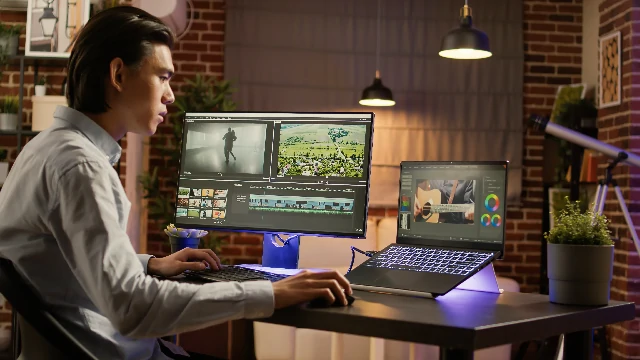
For 100 years, film editing was a manual, physical process. You had to physically cut the film, or manually slice the digital timeline. That era is over. AI has turned video into data. If you are still manually removing silence from a podcast, you are wasting your life.
- The Shift: Video is now edited like a Word document. Delete the text, and the video cuts itself.
- The Efficiency: AI handles the "Rough Cut" (80% of the work) in seconds. Humans do the "Final Cut" (20% of the work).
- The Magic: Generative B-Roll. Missing a shot? Just type a prompt and generate the video clip.
- The Risk: "Jump Cut Fatigue." AI tends to over-cut. You must manually fix the pacing to let the video breathe.
1. The Death of the "Timeline"
Traditional Non-Linear Editors (NLEs) like Premiere Pro rely on a timeline. You drag clips, chop them, and slide them around. It is tedious.
New AI tools like Descript rely on a Transcript. You upload a video, AI transcribes it, and you edit the text. If you delete a paragraph of text, the corresponding video clip disappears. This democratizes editing. You don't need to know what a "Ripple Edit" is; you just need to know how to read.
2. The Generative Tool Stack
Your workflow needs to evolve. Here are the four tools rewriting the rules.
Best for: Podcasts and Talking Heads. It removes "umms" and "ahhs" automatically and lets you edit video by deleting text.
Best for: Missing B-Roll. Need a shot of a "cyberpunk city in rain" but don't have budget? Type it, and AI generates the video clip from scratch.
Best for: Multi-Camera shoots. It analyzes the audio of 3 different cameras and automatically switches to the person currently speaking. It saves hours of manual syncing.
Best for: Audio patches. Did the actor flub a line? You can clone their voice and type the correct line to patch the audio without reshooting.
3. Generative B-Roll: The End of Stock Footage
For years, editors relied on expensive stock sites like Shutterstock. If you needed a clip of a "Happy family eating dinner," you paid $50 for a generic clip that 10 other companies were using.
Now, generative video models (like Sora or Runway) create unique, copyright-free clips on demand. They aren't perfect yet—physics can be glitchy—but for quick cutaways and establishing shots, they are a game changer.
AI edits are too tight. Tools that "Remove Silence" often cut all the breath out of a conversation. This makes the speaker sound robotic and exhausted. You must manually add "room tone" back in to let the audience digest the information.
4. The Quality Control Checklist
AI creates the rough draft. You must create the final product. Check these errors:
Too Much Footage?
We use AI to turn hours of raw footage into polished social clips overnight.